Restaurant Management Software for Restaurants & Cafes
Everything your restaurant needs
From the first order to the end-of-month report.
Fast POS and orders
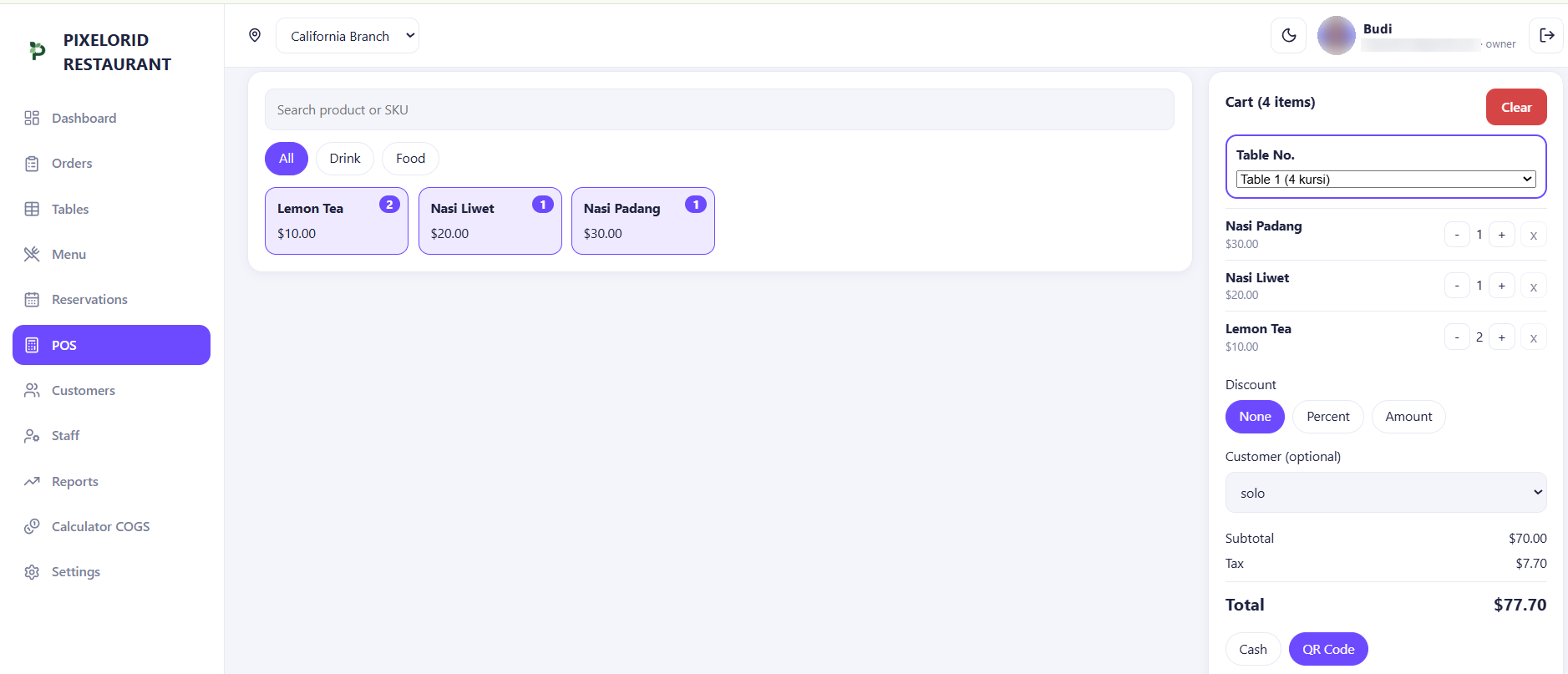
Take orders by table, accept cash or QR payments, and export your orders to Excel.
Tables, reservations and customers
Manage your floor, book reservations and keep a simple customer list your team can pick from.
Menu and COGS calculator
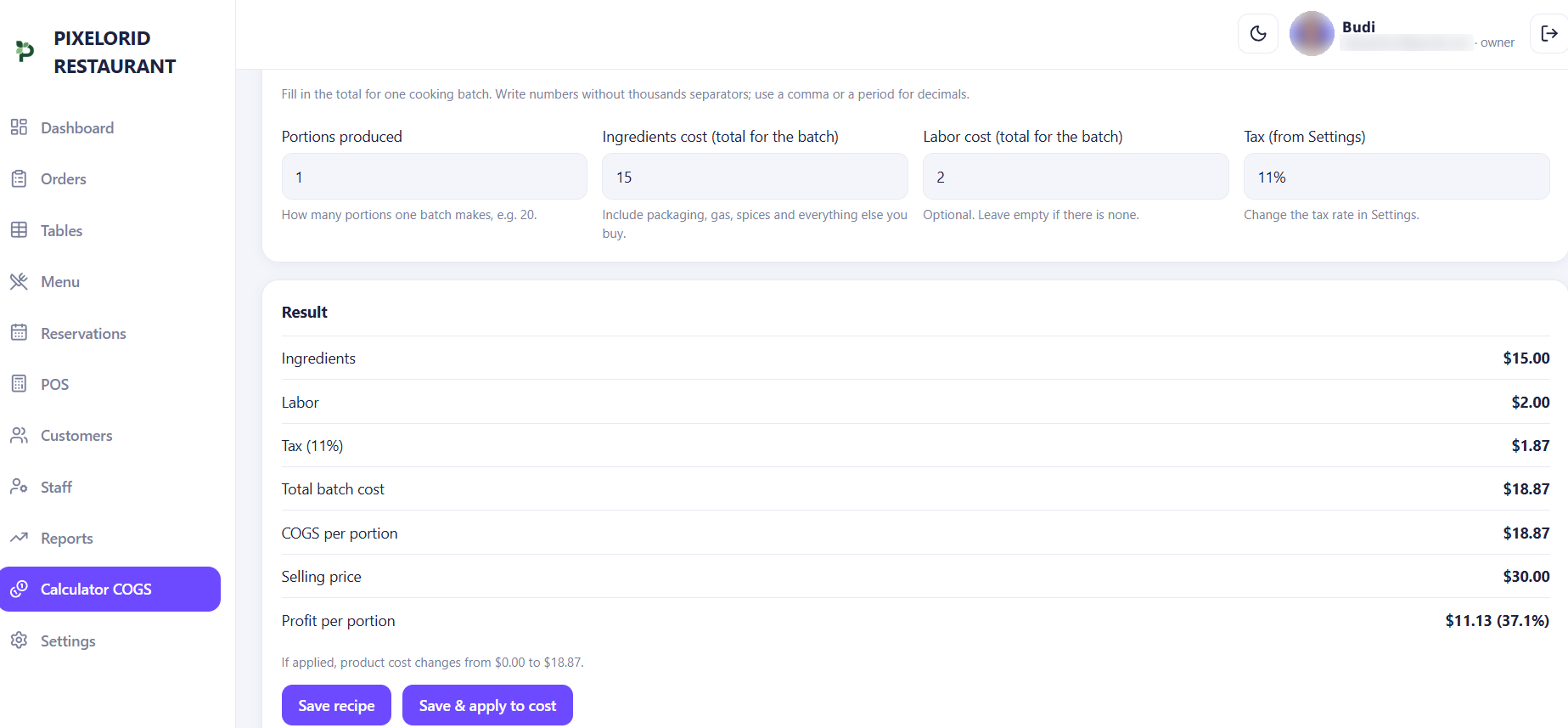
Build your menu and work out the real cost of every dish, so you always know your margin.
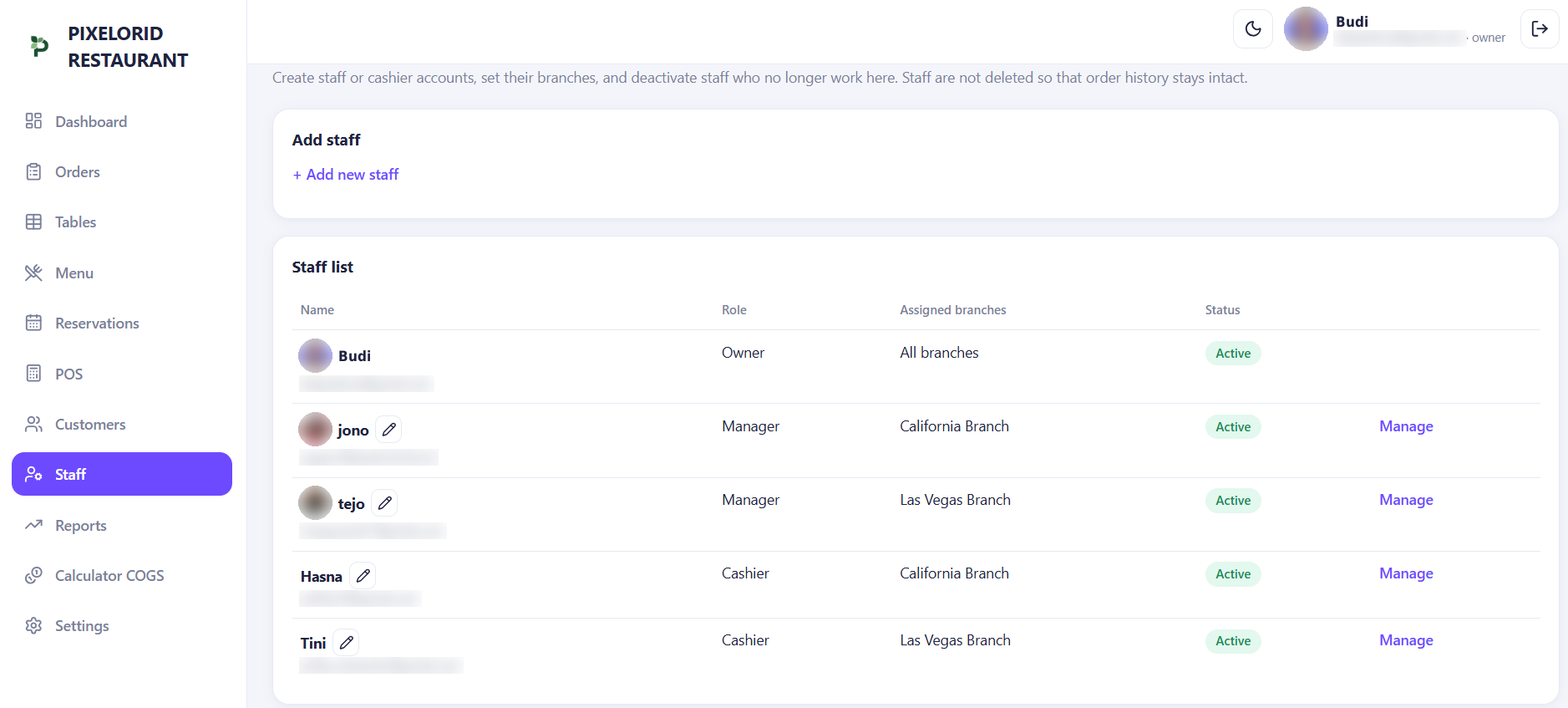
Staff and roles
Owner, manager and cashier roles. Everyone sees only what they need to do their job.
Reports and dashboard
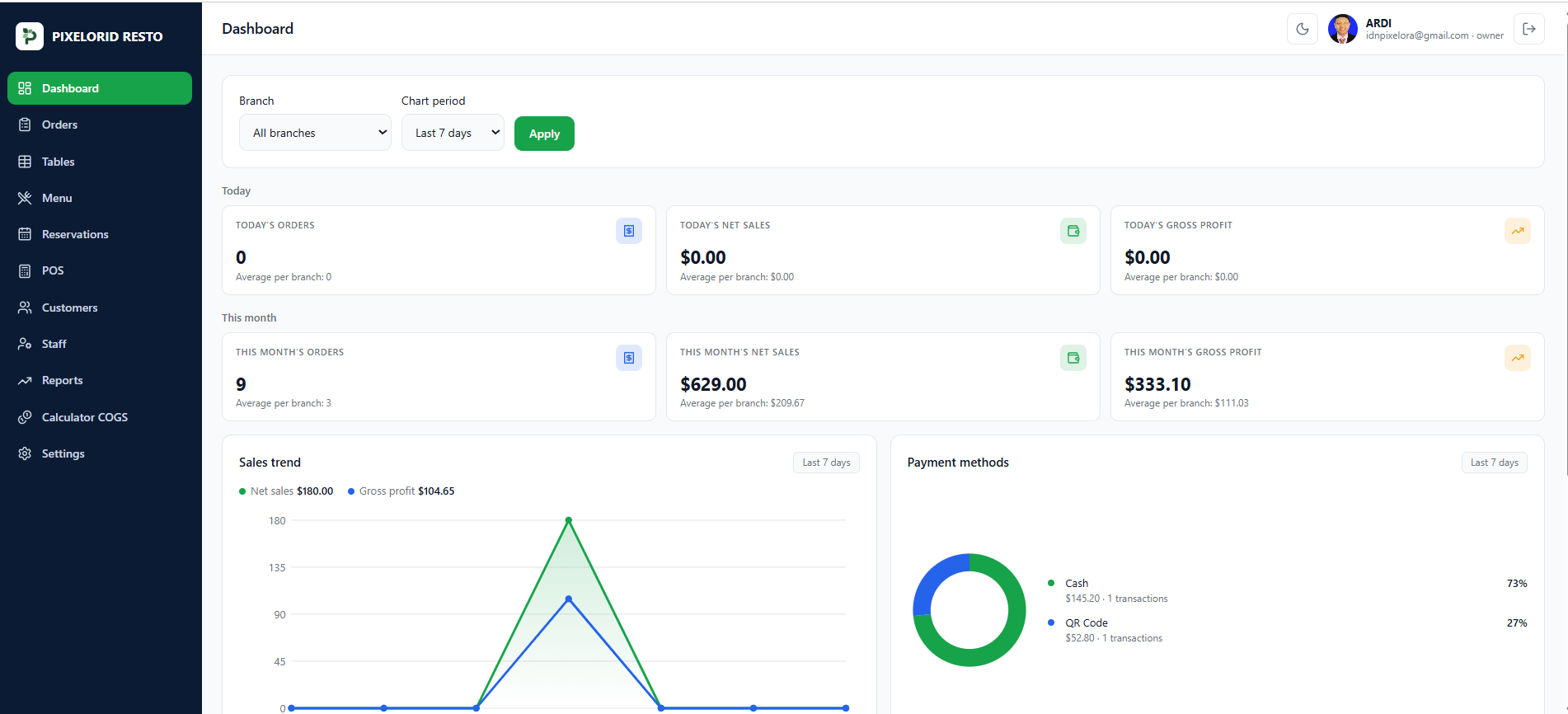
Net sales, gross profit, payment methods and best sellers, per day or per month.
Multiple branches
Run several branches from one account and compare them side by side.
Take orders in seconds
Open the POS, pick the table and add items. Your team stays fast, even when the floor is busy.
- Orders by table
- Cash and QR payments
- Export orders to Excel
Know the real cost of every dish
Build your menu and let the COGS calculator show what each dish really costs you.
- Build your own menu
- COGS calculator
- Always know your margin
See your sales clearly
The dashboard turns every order into numbers you can act on, for one branch or all of them.
- Net sales and gross profit
- Payment methods
- Best sellers per day or month
Restaurant Management Software Built for Growing Businesses
PIXELORID RESTO is restaurant management software for restaurants, cafes and growing businesses. Manage your POS, orders, tables, reservations, menu, staff and reports from one practical system.
Running more than one location? See how our multi-branch restaurant POS shows sales reports for every branch from one account.
Learn more about our restaurant management softwareSee it in action
A quick look at the new PIXELORID RESTO interface.
How it works
Up and running in three steps.
Create your account
Sign up with your restaurant name and currency. Your restaurant is ready right after you confirm your email.
Set up your restaurant
Add your menu, tables and staff. Choose which branch each cashier works in.
Start taking orders
Open the POS, take orders and follow your sales on the dashboard.
Simple pricing
Every plan includes all features. Choose the number of branches you need.
Free Trial
Try every feature before you subscribe.
1 branch, 7 days
- POS and orders with cash and QR payments
- Tables, reservations and customers
- Menu and COGS calculator
- Owner, manager and cashier roles
- Reports, dashboard and Excel export
Basic
For a single restaurant or a small pair of branches.
Up to 2 branches
- POS and orders with cash and QR payments
- Tables, reservations and customers
- Menu and COGS calculator
- Owner, manager and cashier roles
- Reports, dashboard and Excel export
Pro
For a growing restaurant group.
Up to 10 branches
- POS and orders with cash and QR payments
- Tables, reservations and customers
- Menu and COGS calculator
- Owner, manager and cashier roles
- Reports, dashboard and Excel export
Prices are in US dollars and billed monthly.
Frequently asked questions
Quick answers before you sign up.
What is included in each plan?
Every plan includes all features. The plans only differ in the number of branches: Basic covers up to 2 and Pro covers up to 10.
Can I run more than one branch?
Yes. Run several branches from one account and compare them side by side on the dashboard.
What roles can my team have?
Owner, manager and cashier. Everyone sees only what they need to do their job.
How do I get started?
Sign up, create your restaurant with its name and currency, then add your menu, tables and staff. Your restaurant is ready right after you confirm your email.
How is billing done?
Prices are in US dollars and billed monthly.
Start small, Grow further.
Create your account and set up your restaurant in minutes.